Shooting
Shooting mode with the prompter, takes, cast, crew, gear and locations — everything for the day the camera is actually on.
If you shoot alone, on your own schedule, you can skip all of it and work straight from the shot list — nothing downstream depends on it. It starts paying off the moment a second person has to know where to be.
Most of this layer is on the paid plans, because it is where the work stops being one person.
Shoot days
A shoot day — a date, a place and the shots assigned to it — is not in the app yet. Until it is, shooting starts from the project: set its status to Shooting and it shows up on Today, with its whole shot list.
Filming out of story order is normal. Open the shots in whatever order the light and the location allow; each one keeps its beat, so the story is still in one piece when you get to the edit.
Shots on the day
On set the shot list is read, not edited: framing, camera move, the line that plays over it. What gets written back is what happened — the takes.
Shooting mode
Shooting mode is the set version of all of this, made for the phone in your hand. "Today" lists the projects you are shooting; opening one gives the shot list beat by beat.
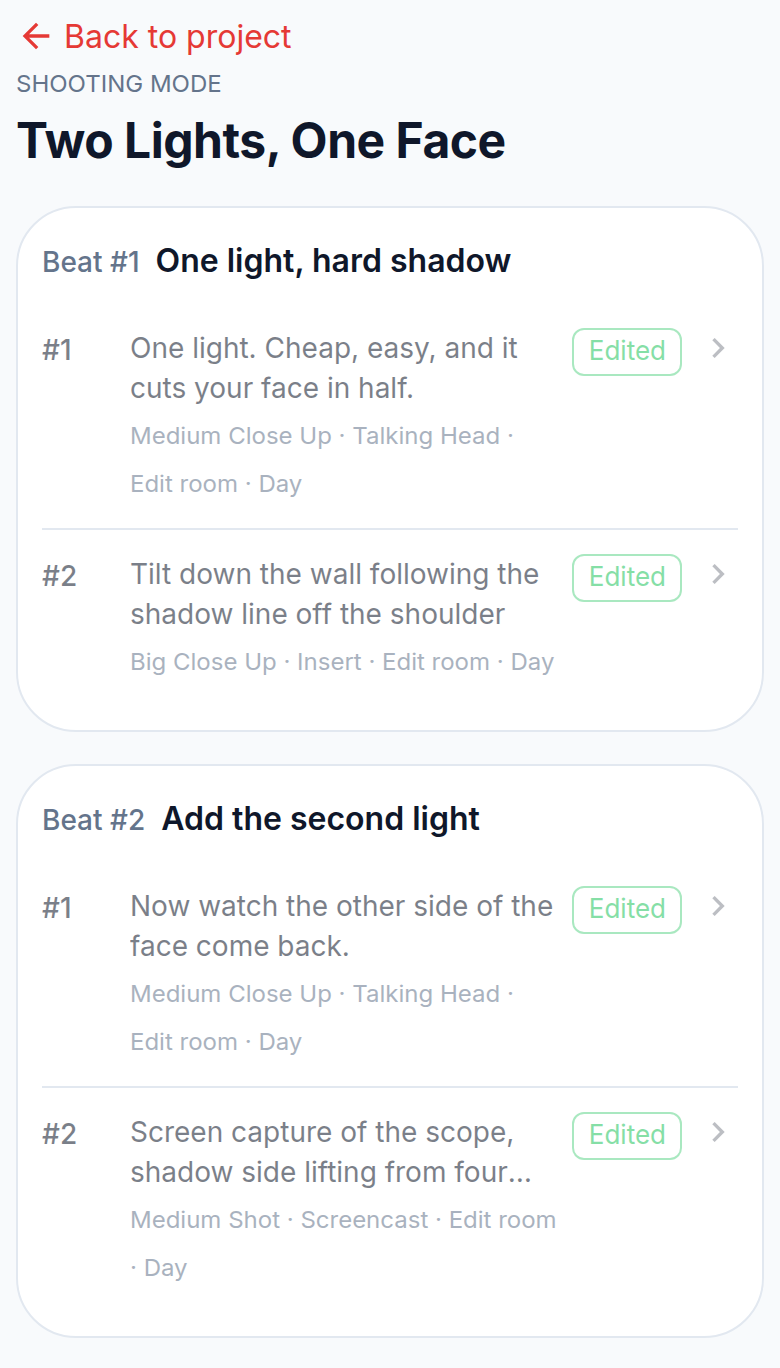
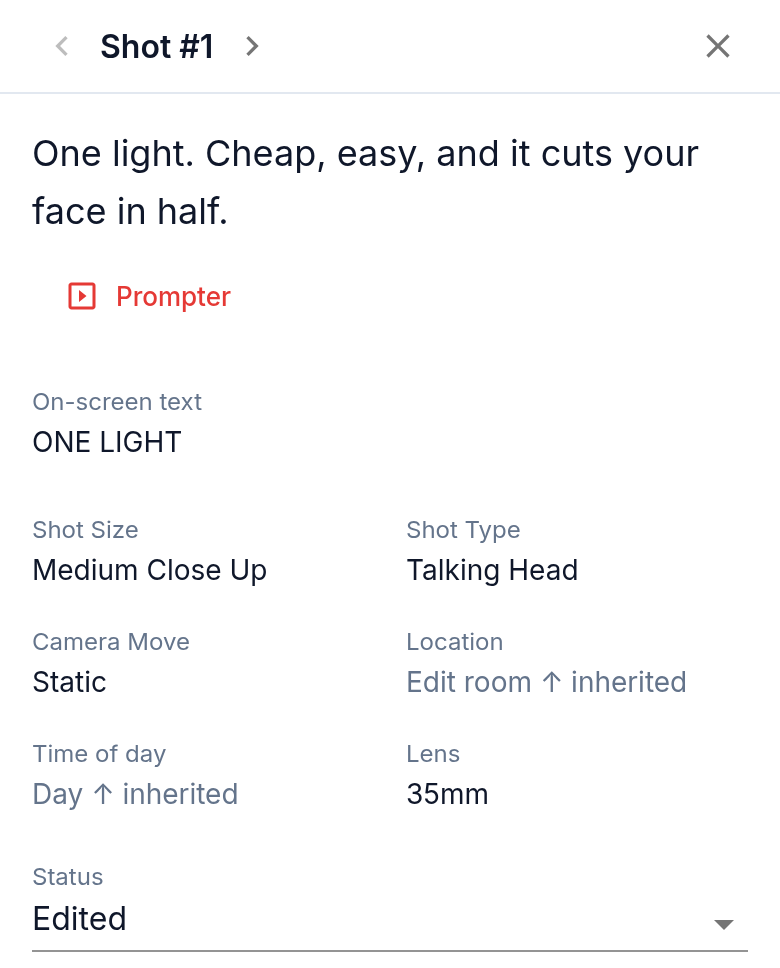
A shot opens full screen: the narration, the framing, where and when.
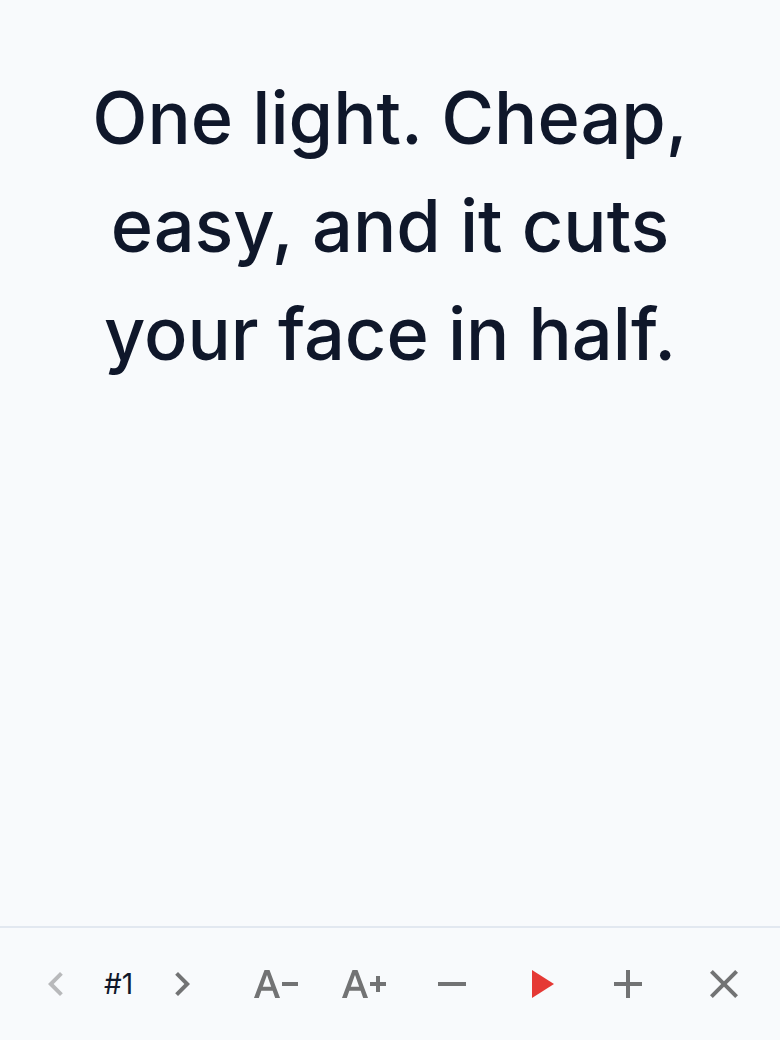
The prompter plays that narration in large type at a speed you set, and keeps the screen from going dark while you talk.
Takes are marked in the same card, without leaving the shot.
It is an ordinary part of the app, not a separate mobile version — the same links open on a laptop, they are simply more useful with a camera in front of you.
Takes
A take is one attempt at a shot. It carries a number, a duration, notes, and marks for what was wrong or right with it: best, audio, focus, exposure.
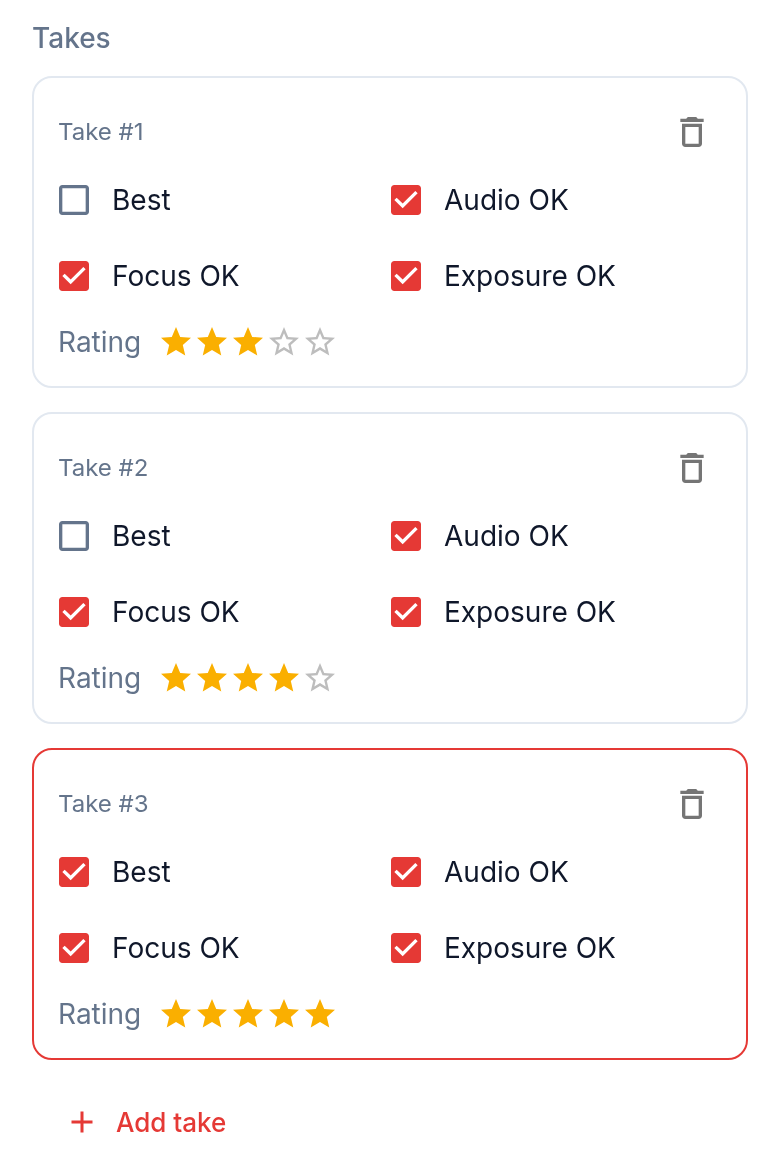
Marking takes on the day is the cheapest thing you can do for the edit. A month later "take 4 is the one, take 2 has the better audio" is information nobody can reconstruct from the footage alone, and it is exactly what the editor needs first.
Cast, crew and gear
Cast, crew, equipment, props and locations live in the workspace catalog. Two of them are attached where they are used: a location to a beat or a shot, and the gear to the project that takes it. The catalog exists so that a phone number is typed once per workspace, not once per video.
Locations carry an address, coordinates, indoor or outdoor, whether a permit is needed and who to call. That is the part you will be glad about at 7am.
Risks and checklists
A risk is a plain note about what could go wrong, with a severity, so it is discussed before the day rather than discovered during it: no permit, one battery, rain. Checklists are the same idea for things you carry and things you do.